
Signs that run themselves
A TV sign system for small places that have a screen on the wall and nobody to keep it current. I built it first for a Kansas butcher shop, rebuilt it for a Denver condo lobby, turned that into a white-label template, and used the template to stand up a dog daycare’s sign in a day.
- Role
- Design, front end, back end, hosting, staff guides
- Stack
- Cloudflare Pages, Functions and KV. Plain HTML and JS, no build step
- Hardware
- Any smart TV browser or player, plus a Fire TV kiosk app
- Built with
- Claude Code as a pair programmer
The problem with the TV by the register
Small businesses buy a TV, load a few slides into a signage app, and then the screen goes stale. Prices change, a holiday passes, the special sells out. Updating means a designer’s file and somebody who remembers the password, so nobody does it.
I set three rules for the system. The sign should look like it was designed for that business, in their brand, at TV scale. Part of it should update on its own from live sources such as weather, school games and local events. Anything a person has to change should take a minute on a phone, with no design tools.
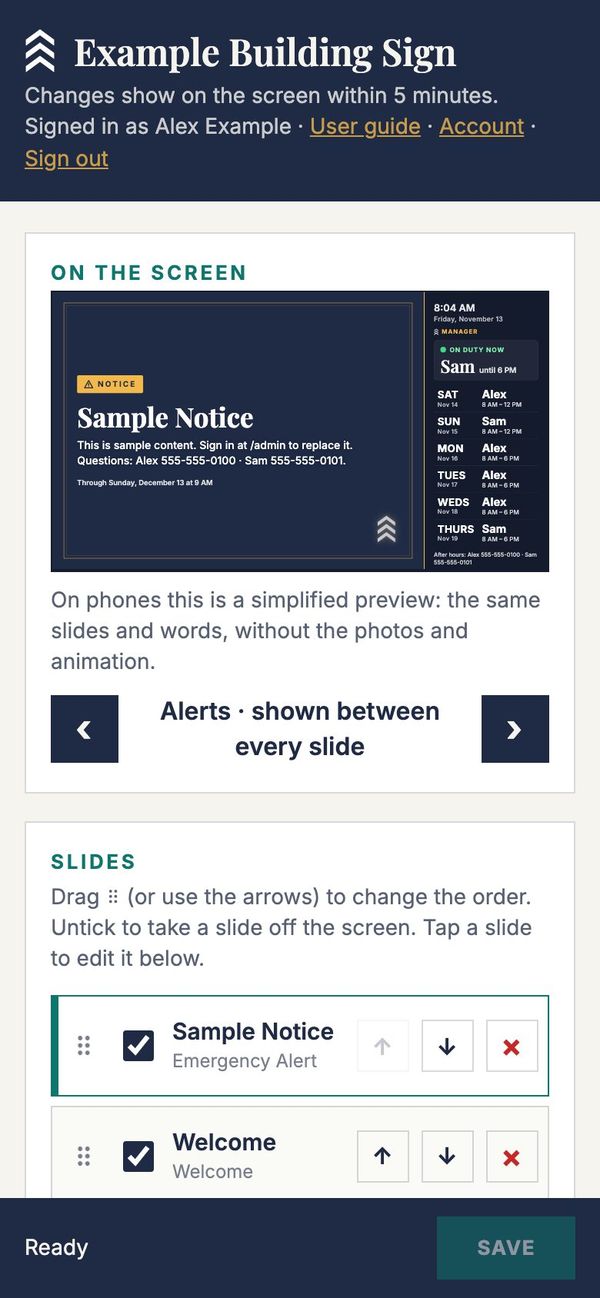
Each sign is a single web page drawn at 1920×1080 and fitted to whatever screen it lands on. Staff edit everything at /admin, and the TV picks up saved changes within five minutes.
Moeder’s Meats
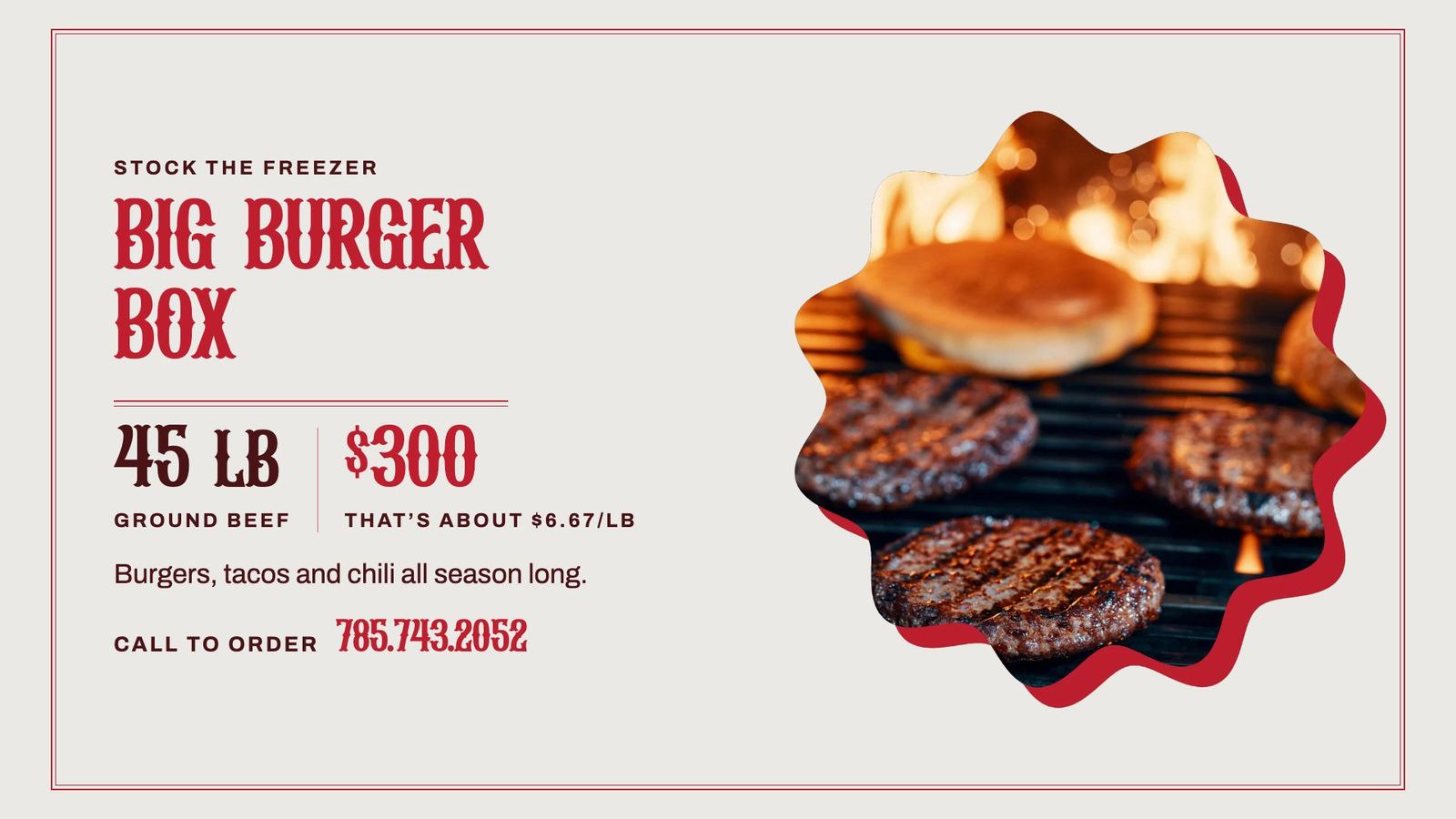
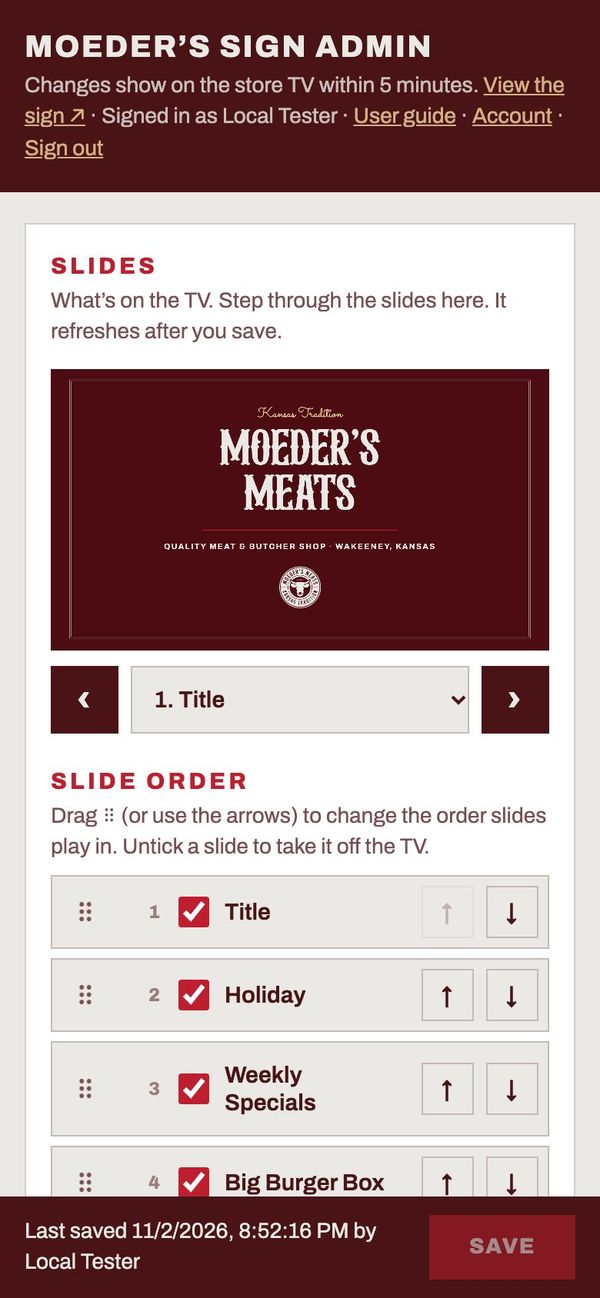
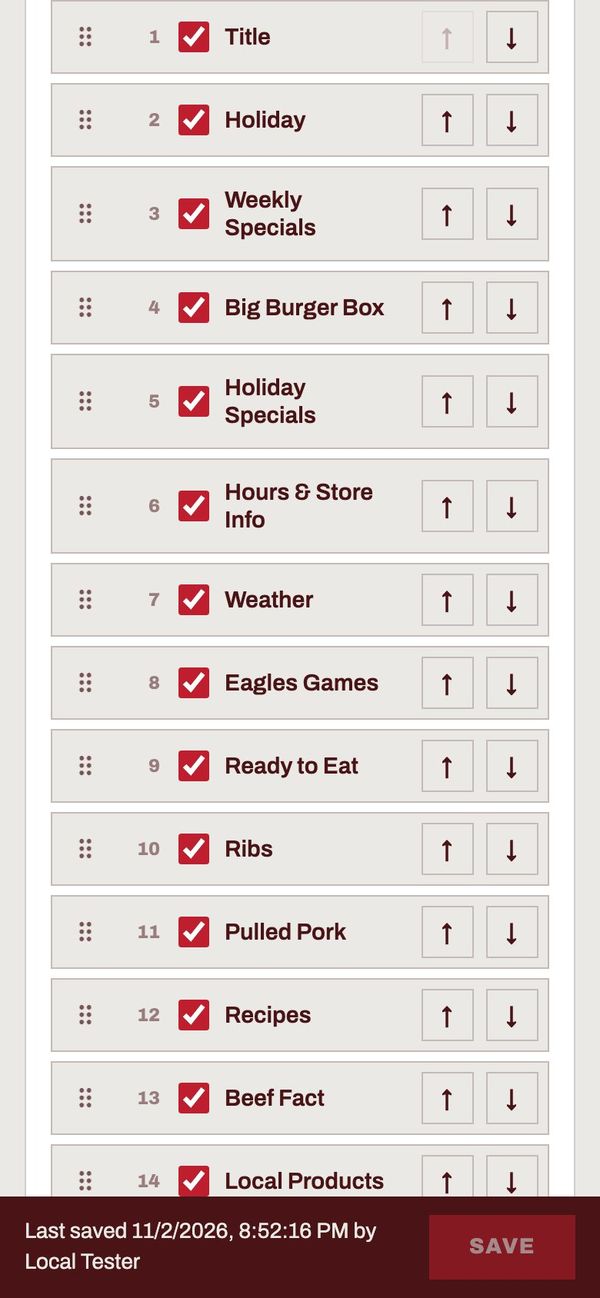
Butcher shop · WaKeeney, Kansas Live in storeThe first build. It runs on the shop’s existing OptiSigns player as a web page, with 20 slides drawn in the shop’s brand: maroon, cream, a western display face and the scalloped photo frame from their website.
- Weekly specials, hours, case menu, beef facts and review links are all edited from the admin. Every word on every slide can be changed and reset.
- Live slides drop out of the rotation when they have nothing to show, for example when there are no games in the next two weeks.
- Holiday greetings appear on their own a few days ahead, each written for the shop.
- Staff add product slides by taking a photo. The upload is scalloped on the fly, and they can choose which part of the photo to keep.
- Any product slide exports as a letter-size PDF flyer for the counter or the door.
- Slides
- 20 built in, plus up to 12 added by staff
- Live data
- NWS weather · district Google Calendar
- Timeline
- Oct 30 – Nov 2, 2026 · 43 commits
Governors Park
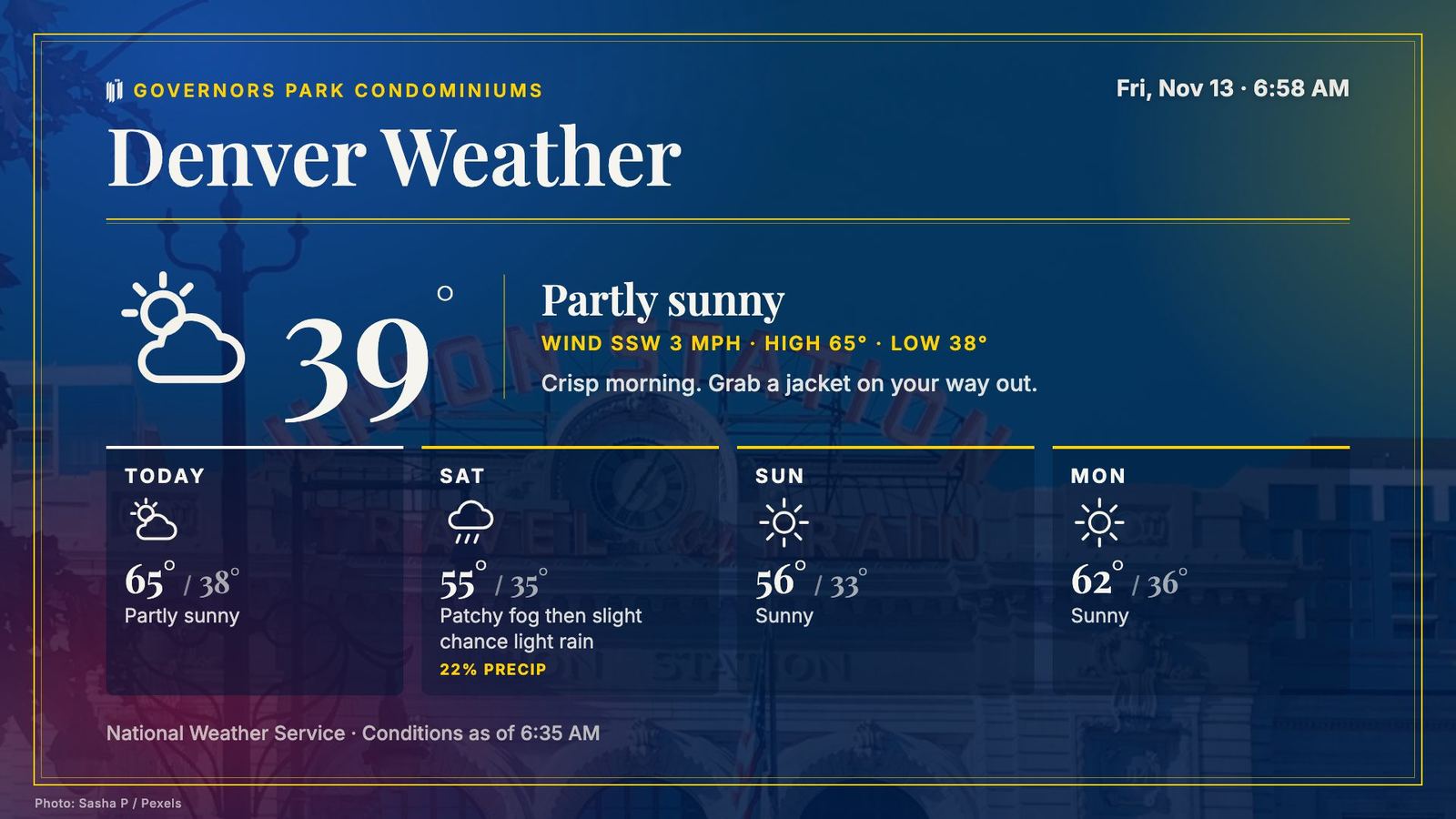
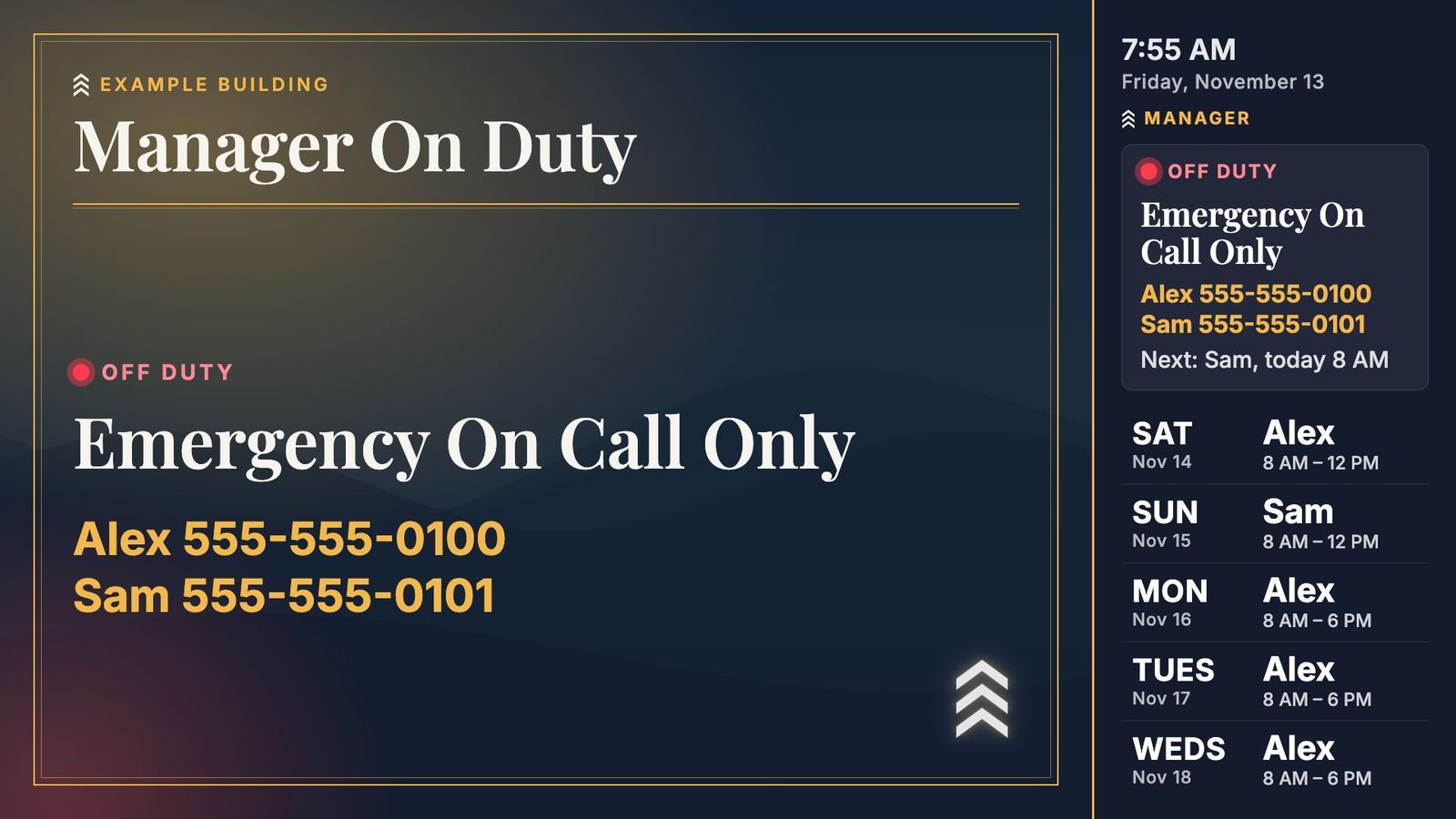
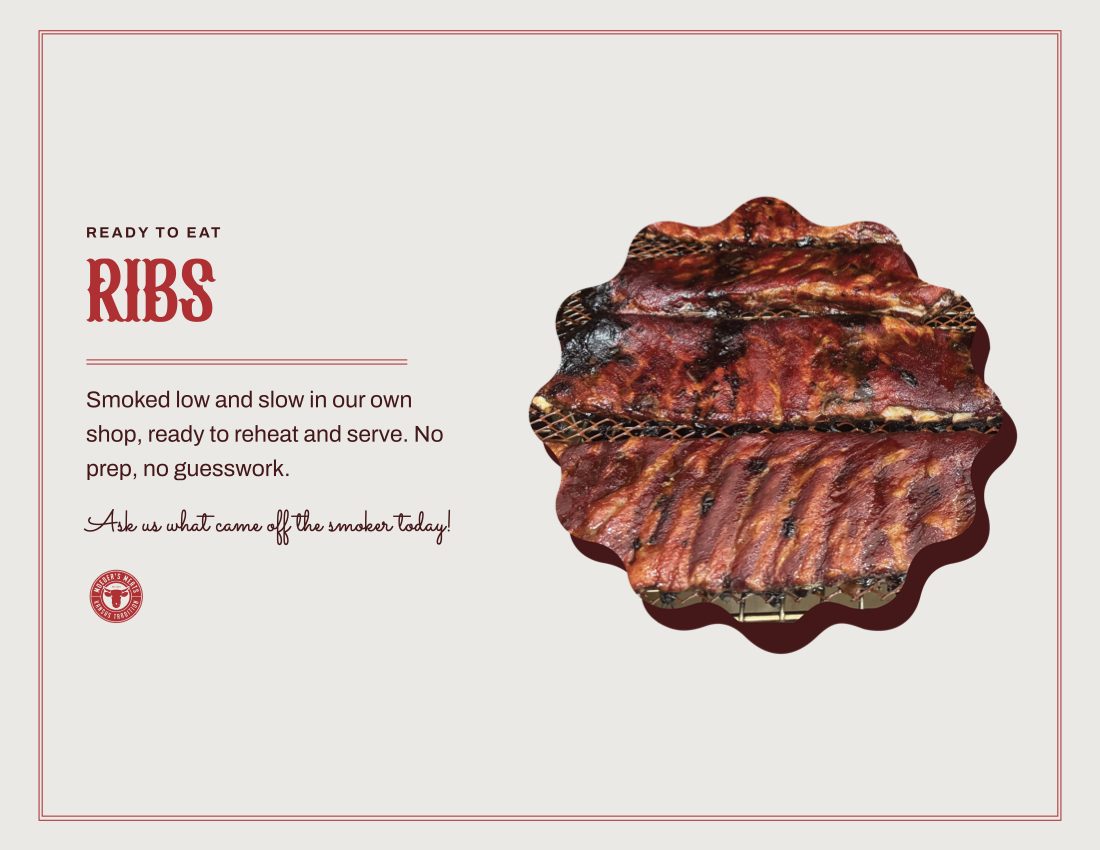
Condominium lobby · Denver, Colorado Live in lobbyA fork for a Denver condo building run by an owners’ board. I kept the engine and rebuilt everything around it for a lobby: navy and gold, Denver photography, and an always-on panel showing which resident manager is on duty.
- Alerts such as a garage door repair can repeat between every slide until their end date, then remove themselves.
- Events come from Ticketmaster, ranked toward big venues and home games, with resale and promo listings filtered out.
- Board meetings carry a “Save the Date” QR code that adds the meeting to your calendar. The sign counts the scans.
- Quick Post is a phone page where a board member pastes a few lines. AI drafts an alert, pet profile or announcement, and they edit it before publishing.
- A Fire TV kiosk app opens the sign at power-up and recovers from Wi-Fi drops. The building network blocked the usual install, so it installs from a one-time link that expires soon after first use.
- Slides
- 13 types, including alerts, pets and meetings
- Live data
- NWS · Ticketmaster · Denver Public Library
- Timeline
- Oct 30 – Nov 1, 2026 · 76 commits
Screens shown without the manager panel to keep residents’ names and numbers private.
White-label template
One config file, sample data Ready to forkOnce the lobby sign was working, I pulled the building-specific parts out into one settings file and replaced every name, number and photo with sample content. The result is a starter kit that another business, or another developer, can deploy in an afternoon.
- Name, address, colors, labels such as “Manager” and “Building”, the schedule, photos and event sources all live in
config.js. - Admin forms are generated from the slide definitions, so a new slide type gets its editor for free.
- A setup guide goes from a new Cloudflare account to a running TV. A typical sign fits in the free tier.
- A project notes file records the conventions and lessons from the first two builds for the next developer, human or AI.
- Slide types
- 19
- To rebrand
- 1 config file, 1 logo SVG, photos
- Timeline
- Nov 1, 2026
Bark & Play
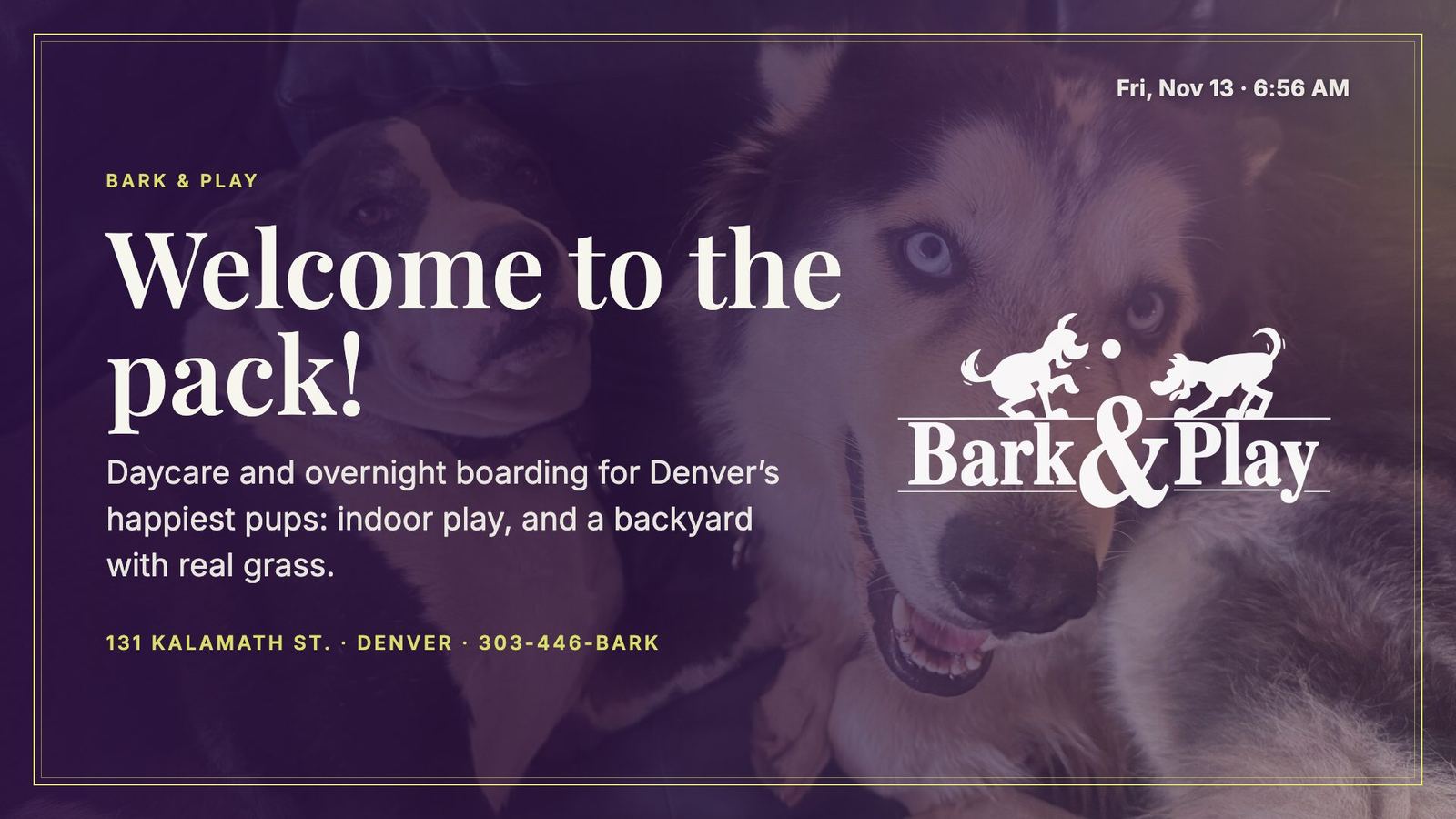
Dog daycare and boarding · Denver, Colorado Built, awaiting launchThe template’s first real test. Starting from a fork, the daycare’s sign was built from their website and in-store posters in one day, in five commits. Most of the work was content and brand, not code.
- New slide types for the business: Pup of the Day, birthdays, today’s schedule, prices, vaccine rules and a puppy cam QR code.
- A Look setting lets list, price and QR slides run dark or light.
- Slides
- 13 in the first rotation
- Live data
- NWS · Open-Meteo air quality
- Timeline
- Nov 10, 2026 · 5 commits
How it works
Each sign is one HTML page and a handful of serverless functions. There’s no framework and no build step, so a fix is an edit and a deploy. Content lives in one JSON record in Cloudflare KV, written by the admin and read by the TV.
The TV never needs a person. It polls for content every five minutes, checks a version file after each deploy and reloads itself, but only after confirming the new page loads, so a bad deploy can’t strand it on an error page.
TVs lie about their size
Fire TV and smart-TV browsers lay the page out wider than they display it, and some settle late. The sign fits itself to the visible viewport and re-checks every two seconds, scaling evenly so a round logo stays round.
A crash on iPhone
The full live preview, with photos and animated glows, crashed mobile Safari. Phones now get a lite mode that draws one slide at a time with no photos or effects.
The building blocked installs
Installing the kiosk app normally needs a debug connection the condo’s Wi-Fi didn’t allow. I added a one-time download link that expires soon after it’s used, so it installs from the TV’s own browser.
PDFs that only looked right in Chrome
The scalloped photo frame came out as a plain square in Mac Preview. Flyers now cut the scallop with a vector clip path instead of a CSS mask, and I checked the result in two different PDF engines.
Handing it to non-technical people
Each sign ships with a plain-language user guide at /admin/guide. Each person gets their own sign-in with hashed passwords, and the admin shows who saved last.
Content that goes stale
Alerts, holidays and meetings carry dates and take themselves down. Live slides hide when empty. Facts and favorites shuffle so regulars see something new.
By the numbers
Two weeks of work from the first commit to the daycare build.
What’s next
Launch the daycare sign once the owners pick their admin users. Then the obvious step is packaging the template so a new business can go from sign-up to a branded sign without a developer.
The pieces are already there: one settings file, generated admin forms, a setup guide and a kiosk app.